
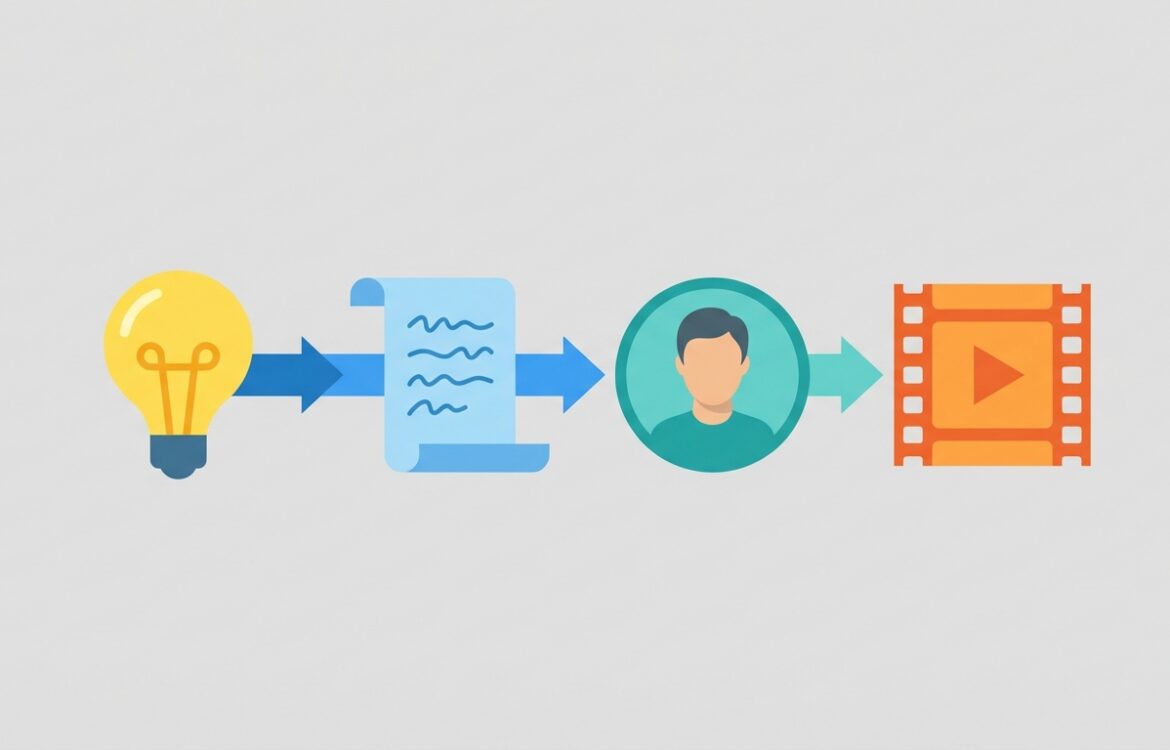
AI video tools: From idea to clip — features, pricing, and how to choose
AI video tools are a set of cloud services and models that convert prompts, scripts, images, or audio into short videos or editable clips; they aim to cut production time for marketing, training, social and rapid prototyping. This review is for product managers, marketers, creators, and producers who need a realistic, citation-backed evaluation of capabilities, costs, compliance controls, and typical trade‑offs when moving from an idea to a finished clip. For market context and comparative benchmarking of vendors and features, see independent tool comparisons and vendor pages cited below. (urca.foundation)
What AI video tools do (and what they don’t)
What they do: modern AI video tools can generate short videos from text prompts, convert scripts to spoken audio and lip-synced avatars, repurpose existing footage into clips with auto-editing, and localize content across languages. Vendors offer both template-driven, avatar-based production (useful for corporate training and explainers) and text-to-video generation that aims for more cinematic visuals. Examples of widely used commercial offerings include avatar-focused platforms like Synthesia and HeyGen, editor-integrated tools like Descript, and more general generative suites such as Runway and OpenAI’s Sora. (synthesia.io)
What they don’t (reliably) do: these systems are not a complete replacement for professional cinematography, long-form narrative filmmaking, or guaranteed photorealistic motion over long durations. Most production-grade generators currently limit duration, resolution, or fidelity for complex scenes; outputs often require manual editing for continuity, detailed motion, and sound design. Many services also restrict or gate generation of realistic human likenesses or public figures for safety reasons. (openai.com)
Key features and limitations
Feature categories you’ll encounter and realistic expectations:
- Text-to-video generation: Produces short clips from prompts with varying fidelity. Models like Sora and newer Veo releases prioritize prompt sensitivity and short-form photorealism but are constrained by duration and safety controls. Expect best results for short scenes (seconds to a few dozen seconds) rather than multi-minute narratives. (openai.com)
- Avatar-driven, presenter-style videos: Tools such as Synthesia and HeyGen provide pre-built or custom avatars with lip-sync and multi-language support, which is efficient for training, onboarding, and marketing where a talking head is sufficient. These platforms can save time but produce more template-like visuals and sometimes look synthetic at close inspection. (synthesia.io)
- Editor-integrated workflows: Descript and Runway combine generative features with non-linear editing, text-based edit metaphors (edit like a doc), and finer control for polishing clips. These are suited for podcast snippets, social clips, and iterative editing workflows. (descript.com)
- Remixing and asset import: Many services allow uploading images, video, or audio to seed generation or remix outputs; OpenAI’s Sora and other platforms support combining inputs. This hybrid approach improves coherence but may be subject to additional policy checks and provenance markers. (openai.com)
- Controls and compositional parameters: Advanced products expose camera framing, scene cuts, reference images, or “cameo” controls to permit more directed output. The degree of directability varies widely and is a practical limiter when you need reproducible, brand-aligned visuals. (en.wikipedia.org)
Limitations to plan for:
- Duration and resolution caps: Many text-to-video models limit clip length or throttle high-resolution outputs behind paid tiers or per-second API pricing. (openai.com)
- Safety and content filtering: Depictions of public figures, realistic impersonations, or certain kinds of content are frequently restricted or require explicit consent features. Platforms apply metadata provenance or visible watermarks to outputs in some cases. (openai.com)
- Compute costs and quotas: Generative video is GPU-intensive; vendors use credit-based or per-second billing and often restrict free quotas. Expect trade-offs between per-clip quality, throughput, and cost. (runwayml.com)
- Model specificity: No single tool excels at every use case. Avatar-first tools are efficient for spoken messaging; cinematic text-to-video models are better for visual storytelling but cost more and may still require post-processing. (synthesia.io)
Pricing and access considerations
Pricing models fall into three common patterns: subscription tiers with usage quotas, credit or per-second billing, and enterprise contracts with custom SLAs and security controls. Which model matters because it affects per-clip cost, burst capacity, and whether your project scales economically.
Examples (vendor-stated):
- OpenAI (Sora): OpenAI publishes per-second API pricing for Sora models (examples: sora-2 at $0.10/sec; sora-2-pro and higher tiers cost more). Sora access was initially gated by region and subscription tier; OpenAI also offers Sora features inside ChatGPT subscriptions and documents limits and provenance controls. Check OpenAI’s pricing and blog for current quotas and geographic availability. (openai.com)
- Runway: Runway uses a credit-based system with free and paid tiers; paid subscriptions include monthly credit allocations that map to seconds of generated video, model priority, and collaborative features. Runway also publishes enterprise plans with enhanced security and single sign-on. (runwayml.com)
- Synthesia: Synthesia sells plans around subscription tiers and shared “credits” that cover a certain number of generated minutes per month. Enterprise plans offer unlimited minutes and team features but require a custom contract. (synthesia.io)
- HeyGen and Descript: HeyGen lists a freemium tier and paid Creator/Team plans with per‑month allowances and enterprise privacy options; Descript charges per-editor subscriptions with media minutes and AI credits on tiered plans and offers enterprise custom terms. Review each vendor’s pricing page to match minutes/credits to expected output volume. (heygen.com)
Practical advice:
- Estimate expected output in seconds of generated content per month and translate to vendor credits or per-second fees; vendors often define credits differently across models, so do the math on the specific model you plan to use. (runwayml.com)
- Check enterprise terms if you need compliance (SOC 2, GDPR, SSO). Several vendors surface SOC 2 and GDPR commitments for paid business plans. If you handle PII or regulated content, request SOC 2 reports and data residency details. (help.runwayml.com)
- Validate free tiers with a pilot, but expect performance and quota differences versus paid plans—some models throttle or restrict features for free accounts. (theverge.com)
Quality, reliability, and common pitfalls
Quality varies by model family and use case. Text‑to‑video models are rapidly improving but still struggle with consistent, long motion, complex interactions, and photorealistic hands and fine detail. Avatar-driven tools are more consistent for speaking roles but can appear “synthetic” and require good scripts and voice tuning. Independent comparisons show tool strengths cluster by intended use (avatars vs cinematic generative models vs editor-driven remixes). (urca.foundation)
Reliability and operational risks to account for:
- Throughput variability: Generative video demand spikes; expect queueing or reduced performance during high demand unless you have enterprise priority or reserved capacity. (techradar.com)
- Policy and moderation actions: Platforms may remove or block content that violates their policies; OpenAI and others apply provenance markers, watermarking, and content bans for sensitive uses. This can affect workflows that rely on rapid, unconstrained generation. (openai.com)
- Data handling and privacy: Uploaded assets (voice, image) may be subject to vendor storage and third-party processing policies. Check vendor privacy pages and DPA terms, especially if you upload employee images or client IP. (heygen.com)
- Cost surprises: Because billing often depends on resolution, model choice, and seconds generated, small changes in creative direction (e.g., moving from 480p to 1080p or choosing a “pro” model) can materially increase costs. Always test with the target model and resolution. (openai.com)
Best alternatives (and when to pick them)
There is no universal “best” AI video tool; choose by primary need:
- Fast, repeatable corporate messaging and multilingual training: choose avatar-first platforms like Synthesia or HeyGen for speed, language coverage, and enterprise controls. They reduce setup time for speaker-driven content. (synthesia.io)
- Podcast and screen-recording workflows where text-based editing matters: choose Descript for integrated transcription, Overdub voice cloning, and text-based edit metaphors that speed clip creation from long-form audio. (descript.com)
- Creative prototyping, VFX, or cinematic text-to-video: test Runway or model-backed APIs like OpenAI’s Sora or Google/DeepMind Veo. These tools give more direct model choice and higher-fidelity options but require budget and iteration. (runwayml.com)
- Template-driven social clips and low-cost repurposing: consider CapCut, VEED, or marketing-focused suites that combine AI assist with template libraries; they’re often cheaper for short social formats. (en.wikipedia.org)
When to choose enterprise contracts: if you need guaranteed throughput, specific data residency, SOC 2/GDPR commitments, or vendor liability terms, vendor enterprise plans (Runway, HeyGen, Synthesia) provide SLAs and governance controls—expect custom pricing and onboarding. (help.runwayml.com)
FAQ
What are the realistic costs of using AI video tools for recurring short clips?
Costs vary widely: some avatar or editor platforms use monthly subscriptions with included minutes (Synthesia, Descript, HeyGen), while text-to-video APIs often use per-second pricing (OpenAI Sora lists per-second rates). Translate your monthly expected output (in seconds) to vendor credits or per-second fees and add buffer for re-runs and edits; consult each vendor’s pricing page for current rates. (synthesia.io)
How do AI video tools handle privacy and uploaded likenesses?
Vendors provide different privacy commitments. Many list SOC 2 or GDPR compliance for business plans and publish privacy policies explaining retention and consent mechanics for voice or image upload. Some platforms (e.g., OpenAI’s Sora) implement consent-based cameos and provenance signals; others provide enterprise DPAs and data residency options—always review the vendor’s privacy/security pages and request SOC 2 reports for regulated workloads. (heygen.com)
Can these tools generate long-form or broadcast-quality video reliably?
Not yet at scale. Current commercial models produce short clips with improving fidelity; long-form, continuous, broadcast-quality output typically requires multi-step pipelines: generate short segments, assemble in a traditional editor, and perform manual correction (motion flow, color grading, audio design). For narrative features, human teams remain essential. (openai.com)
AI video tools: which one should I pilot first?
Pick a pilot that mirrors your most common production need. For scripted, presenter-driven content run a Synthesia or HeyGen pilot; for voice-first repurposing and podcast snippets pilot Descript; for visual prototyping and VFX-style clips pilot Runway or a short Sora/ VEO experiment. Measure per-minute cost, turnaround time, and the manual effort needed to reach acceptable quality. (synthesia.io)
How should teams validate vendor safety and provenance claims?
Ask for written details: provenance metadata formats (C2PA support), visible watermarking policy, content moderation/appeal processes, and incident response timelines. For regulated content, request SOC 2 or equivalent attestations and a Data Processing Addendum (DPA) that specifies retention and access controls. Vendors frequently publish security and privacy pages—review these and include them in procurement criteria. (openai.com)
Summary: AI video tools today shorten the path from idea to clip but come with measurable trade-offs: model-specific quality limits, per-second or credit-based costs, and policy/compliance constraints that vary by vendor. Use a short pilot aligned to your target format, compute the true per-second cost for the chosen model and resolution, and require security/compliance artifacts for any regulated or customer-data workloads. Vendor documentation and pricing pages linked in this review are the authoritative sources for up-to-date limits and contractual terms. (openai.com)

I write practical, no-nonsense guides to choosing, comparing, and deploying AI tools—from image, video, and audio generation to LLM platforms, agents, and RAG stacks. My focus is on real trade-offs, pricing, deployment paths, and business viability, helping teams and creators pick what actually fits their goals.